Rotate PDF
Rotate sideways or upside-down PDFs and export in batch
Fix messy scan orientations for easier reading
Preview and export, stays correctly oriented after saving
Drag multiple PDFs here or click to select
Merge multiple PDF files instantly
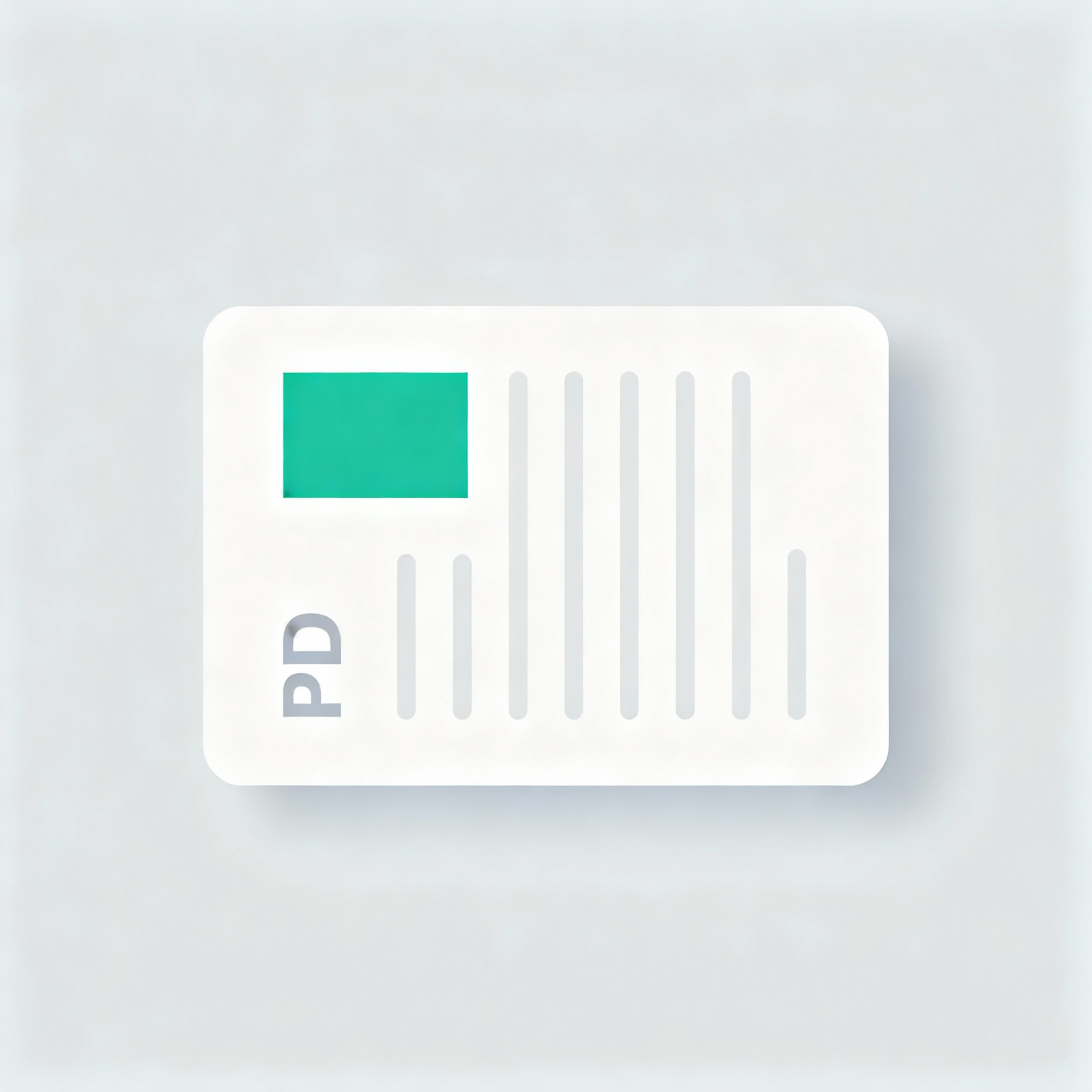
Before: Messy Orientation
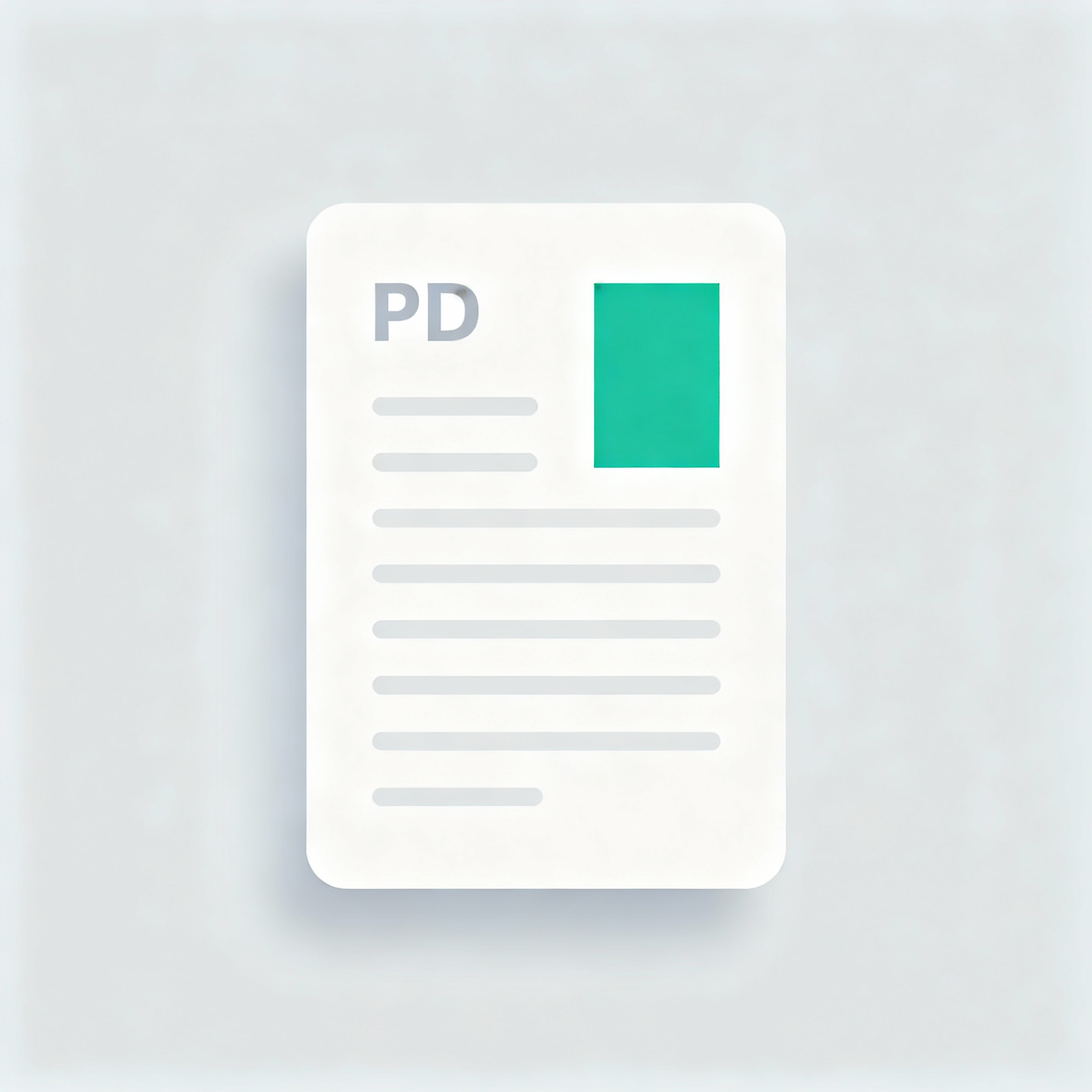
After: Perfect Fix
Core Features
Batch Rotation
Import multiple PDFs and rotate them by 90° quickly; individual adjustments supported.
Persistent Orientation
Rotation is written to every page; stays correct when sending, printing, or archiving.
Secure for Sensitive Info
Process files locally in your browser — perfect for contracts and invoices.
How to Use
Import PDF
Drag and drop or select one or more PDF files.
Rotate to Correct Direction
Use global rotation or adjust individual files; preview for accuracy.
One-click Export
Download single PDFs or ZIP for multiple files; orientation is preserved.
FAQ
Are my files uploaded to a server?
- No. All processing happens locally in your browser.
Will the rotation stay after exporting?
- Yes. The rotation is written into the PDF file so it remains consistent in any viewer.
What rotation angles are supported?
- Currently supports 90° steps (left/right). Click multiple times for 180°/270°.
Can I rotate only specific pages?
- Currently rotates the entire PDF. For specific pages, use 'Split PDF' first.
Support encrypted PDFs?
- Not yet. Please decrypt your PDFs locally before importing.